
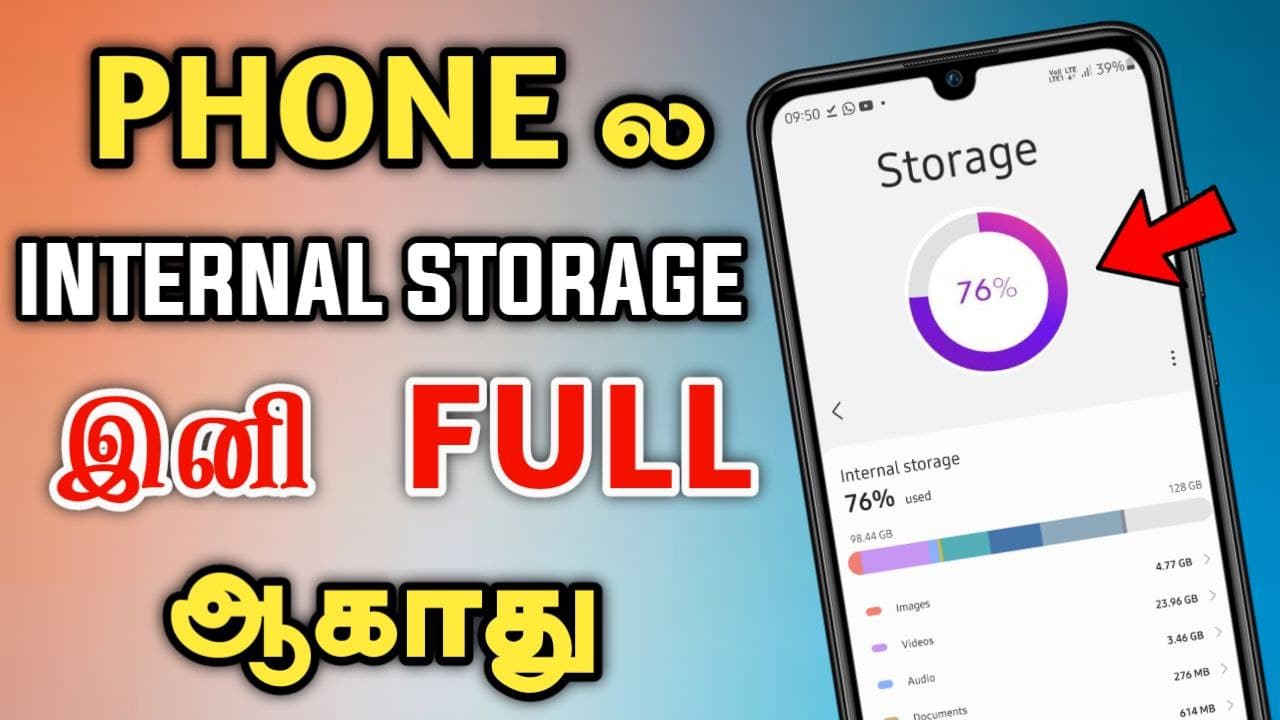
Introduction
The Google Files app has become one of the most essential applications for Android users who want to organize, clean, and manage their device storage efficiently. Whether you’re struggling with low storage, searching for important documents, or looking for a secure way to share files offline, the Google Files app offers an all-in-one solution.
Unlike traditional file managers, the Google Files app combines intelligent storage management, powerful file organization, secure sharing, and cloud integration into a lightweight application. It helps users free up storage space, remove duplicate files, locate downloaded documents, and transfer files between devices without using mobile data.
In this comprehensive guide, you’ll learn everything about the Google Files app, its features, benefits, installation process, tips for efficient file management, security features, and why millions of Android users rely on it every day.
What is the Google Files App?
The Google Files app is Google’s official file management application designed for Android smartphones and tablets. It enables users to browse, organize, clean, search, and share files from a single interface.
Originally introduced as Files Go, the app was created to help users with limited storage optimize their devices. Over time, Google expanded its capabilities, making it a complete file management solution suitable for every Android user.
The app automatically categorizes files into sections such as:
- Downloads
- Images
- Videos
- Audio
- Documents
- Apps
- Internal Storage
- SD Card (if available)
Instead of manually browsing folders, users can quickly locate content using intelligent organization and powerful search functionality.
One of the biggest advantages of the Google Files app is its simplicity. Even first-time smartphone users can easily navigate its clean interface without technical knowledge.
Top Features of the Google Files App
The Google Files app includes numerous features that improve storage management and productivity.
Smart Storage Cleaner
One of the most popular features is its intelligent cleaning recommendations. The app automatically identifies:
- Junk files
- Temporary cache
- Duplicate files
- Blurry photos
- Large videos
- Old screenshots
- Unused applications
- Downloaded files you may no longer need
With just one tap, users can safely remove unnecessary files and recover valuable storage space.
Powerful File Search
Finding files becomes effortless thanks to the built-in search function.
Users can search by:
- File name
- File type
- Size
- Date modified
This eliminates the frustration of scrolling through hundreds of folders.
Offline File Sharing
The Google Files app allows users to send and receive files without an internet connection.
Using Wi-Fi Direct technology, users can transfer:
- Photos
- Videos
- Documents
- Music
- APK files
Transfers are extremely fast and do not consume mobile data.
Folder Organization
Users can:
- Create folders
- Move files
- Rename documents
- Delete unwanted content
- Sort by size or date
Everything remains neatly organized.
Secure Folder
Privacy-conscious users can store confidential files inside a Secure Folder protected by:
- PIN
- Pattern
- Password
Sensitive documents remain inaccessible without authentication.
Benefits of Using the Google Files App
The Google Files app offers numerous advantages over standard file managers.
Better Storage Management
Running out of storage can slow down smartphones.
The Google Files app continuously monitors storage usage and recommends safe files to remove.
Users can reclaim several gigabytes of storage within minutes.
Faster Device Performance
Removing unnecessary files helps improve:
- Device speed
- App performance
- System responsiveness
Less clutter means Android operates more efficiently.
Easy Navigation
Instead of navigating complex folder structures, files are automatically categorized into logical sections.
This saves time when searching for documents or media.
Safe File Sharing
Sharing files through messaging apps often compresses images or videos.
The Google Files app transfers original-quality files directly between nearby devices.
Minimal Battery Consumption
Unlike many third-party file managers, Google’s lightweight application uses minimal battery and memory resources.
How to Use the Google Files App Effectively
Using the Google Files app is straightforward.
Step 1: Install the App
Download the Google Files app from the Google Play Store.
Grant storage permissions when prompted.
Step 2: Explore Categories
Open the Browse tab to view:
- Downloads
- Images
- Videos
- Documents
- Audio
- Apps
Step 3: Clean Storage
Navigate to the Clean section.
Review Google’s recommendations.
Delete unnecessary files with one tap.
Step 4: Organize Files
Create folders for:
- Office documents
- Photos
- Work files
- Personal records
Move files into appropriate folders.
Step 5: Share Files
Select files.
Tap Share.
Choose Nearby Sharing.
Transfer files without internet connectivity.
Following these steps helps maintain an organized and clutter-free device.
Google Files App Security and Privacy Features
Security is one of Google’s strongest priorities.
The Google Files app includes several built-in protections.
Secure Folder
Private files remain encrypted inside a password-protected folder.
Only authorized users can access stored content.
Permission Control
The app only requests necessary permissions required for file management.
Users remain in control of their personal data.
No Unnecessary Advertisements
Unlike many free file managers, the Google Files app provides an ad-free experience.
This improves usability while protecting users from misleading advertisements.
Google Reliability
Since the application is developed by Google, it receives regular security updates and performance improvements.
This helps protect users from vulnerabilities and bugs.
Tips to Get the Most Out of the Google Files App
To maximize the app’s usefulness, consider these best practices.
Clean Storage Weekly
Review cleaning suggestions every week.
This prevents storage from filling up unnecessarily.
Delete Duplicate Files
Duplicate media often consumes several gigabytes.
Regularly removing duplicates saves space.
Organize Downloads
Downloads frequently become cluttered.
Move important documents into dedicated folders.
Use Secure Folder
Store confidential documents such as:
- Identification copies
- Financial records
- Personal files
inside the Secure Folder.
Backup Important Files
While the Google Files app manages local storage efficiently, always back up critical files to cloud storage for additional protection.
Why the Google Files App is the Best File Manager for Android
Many file management applications are available for Android.
However, the Google Files app stands out because it offers:
- Clean user interface
- Intelligent storage cleaning
- Fast offline sharing
- Secure Folder
- Powerful search
- Lightweight performance
- Regular updates
- No advertisements
- Trusted Google security
Unlike many competitors that include unnecessary features or intrusive ads, Google’s solution focuses on speed, simplicity, and reliability.
Whether you’re a student, business professional, photographer, or casual smartphone user, the Google Files app provides everything needed to manage files efficiently.
How To Get App:
CHECK YOUR STORAGE
Use Files to see how much free space is left on your phone and SD card. Easily transfer files to an SD card to free up your phone’s storage, straight from the app. Or use the integrated file cleaner to get more space on the phone.
BE IN CONTROL
You will always know what you’re deleting; we don’t hide behind complicated terms and phrases. Select only what you want to remove and keep the rest. It’s your photos, your videos and your files, so you are in charge.
Features:
SMART RECOMMENDATIONS
Get helpful suggestions of files to delete before you run out of space. The recommendation from the Files app gets smarter the more that you use it Junk Files Remove App.
FIND FILES FASTER
Save time looking for photos, videos and documents on your phone. Files uses filters rather than folders so your stuff is organised more intuitively. Files by Google is the file manager and storage browser that helps you find what you’re looking for fast.
EASILY MANAGE FILES
Search for your files or simply navigate to them through categories and filters. View, delete, move, rename or share any files. Sort them by file size to understand what’s taking up space. Browse all the GIFs that you have. Find and share that video that you downloaded last week. All of this with a few
How To Use:
SHARE FILES OFFLINE
Share your pictures, videos, documents or apps with others nearby who also have the app. With fast speed up to 480 Mbps, it’s fast, free and it works without the Internet, so it doesn’t cost mobile data. Just pair up your phone with anyone nearby who has the Files app.
ENCRYPTED FILE SHARING
Files’ offline file sharing is secured with WPA2 encryption, providing a more secure file transfer. Files app uses Bluetooth to set up encrypted and direct, fast Wi-Fi connection, so that you can transfer app APK or large files in seconds, and send videos or pictures to your friends. Safe and secure.
BACK UP FILES TO THE CLOUD
If you want to keep a file forever, select it from the Files menu and back it up to Google Drive or any other cloud storage app. Save them forever without using space in your phone.
BACK UP FILES TO THE SD CARD
If you run out of storage on your phone, simply transfer large files or videos to your SD card if you have one. With a few clicks, you can clean up your phone and fully use the SD card. That leaves your internal storage free and your phone faster.
EFFICIENT, EFFECTIVE STORAGE MANAGEMENT
Files app uses less than 10 MB of storage on your phone. And there’s no malware or bloatware to affect your phone’s performance.
Conclusion:
Save time looking for photos, videos and documents on your phone. Files uses filters rather than folders so your stuff is organized more intuitively. Files by Google is the file manager and storage browser that helps you find what you’re looking for fast.
The Google Files app is much more than a simple file manager. It serves as a complete storage optimization and file organization solution for Android devices. From cleaning junk files and organizing documents to securely sharing files and protecting sensitive information, the app simplifies everyday digital file management.
APP DOWNLOAD LINK BELOW
Its intuitive interface, intelligent recommendations, offline sharing capabilities, and built-in security features make it one of the best file management applications available today. Regular use of the Google Files app helps improve device performance, free valuable storage space, and keep important files organized and accessible.
If you’re looking for a reliable, secure, and easy-to-use file manager, the Google Files app is an excellent choice that delivers everything Android users need in one lightweight application.